

FAQ
Mini Meetings
Scheduling Meetings
Meetings with 15 minute time slots and 5 minute breaks are already set up in Eventify.
When an attendee books the time slot, it will automatically show on both of your Mini Meeting calendars.
Meeting Confirmation
You will receive an email confirmation when a time slot is booked by the member store with their name and the time of the meeting.
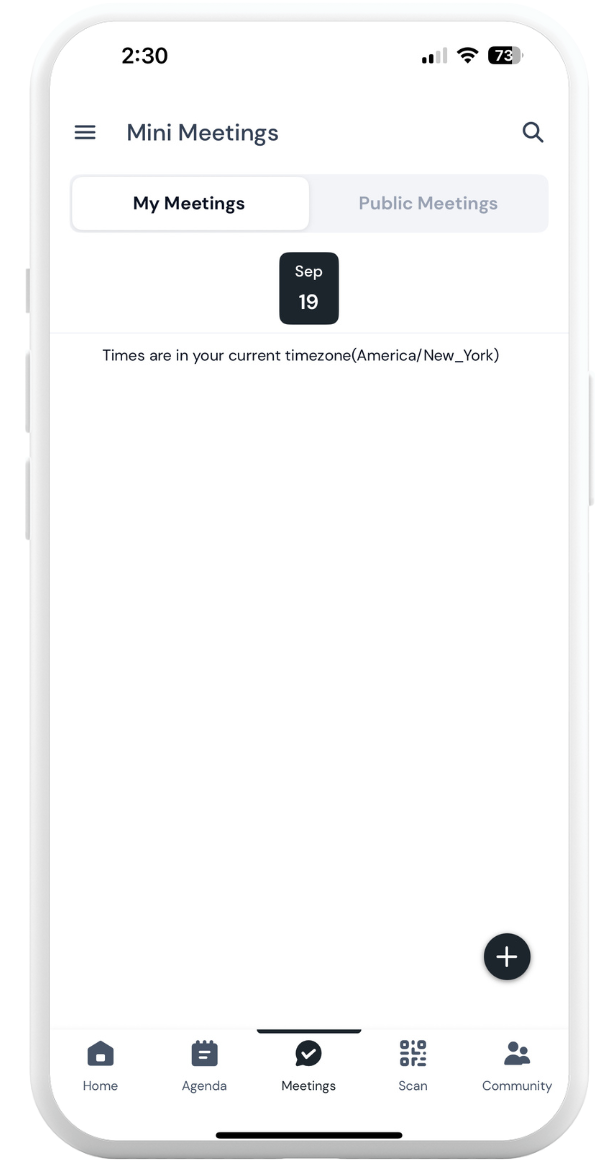
Access your meetings by tapping on “Meetings” in the main menu or on the bottom tray of the Eventify app.
To see the booked time on the app, go to their booked time and tap it open to see their name.
Note: meeting times will only show in the event’s local time zone.
Mini Meetings Day - September 15
On the day of Mini Meetings, navigate to the “Meetings” button on the bottom tray or main menu of the Eventify app to view your meetings.
Please email Kelly at kellyg@promaster.com with any questions!